
Real KiCad. In your browser. No install.
The full KiCad suite, compiled to WebAssembly and running in a tab. Open your own board, route, run DRC, spin it in 3D, export Gerbers — the real engine, not a re-implementation. Multiplayer co-editing is coming: join the waitlist for early access.
▶ Open the live demo Free · no install, no account
Want early access to multiplayer?
Please enter a valid email address and try again.
Collab rolls out in waves — get your invite. · Privacy policy
- Open source
- Your files stay in KiCad format
- Runs on Mac, Linux, Chromebook, iPad
Built on KiCad — trusted by millions the largest open footprint library in EDA 100% open .kicad_pcb format free to start
Three things that set PCBJam apart.
Runs in a browser tab.
Zero install, zero toolchain. Mac, Linux, Windows, Chromebook, iPad — if it has a modern browser, it designs PCBs.
Multiplayer, next.
Live cursors, presence, and conflict-free co-editing on the same board — rolling out to the waitlist first.
Open & yours.
Real KiCad format in, real KiCad format out — your files are never held hostage. Self-hosting and an offline PWA are on the roadmap.
From file to fab in three moves.
Open a board.
Drag in a .kicad_pcb or start from the demo board. It opens in seconds —
no install, no account.
Design and route.
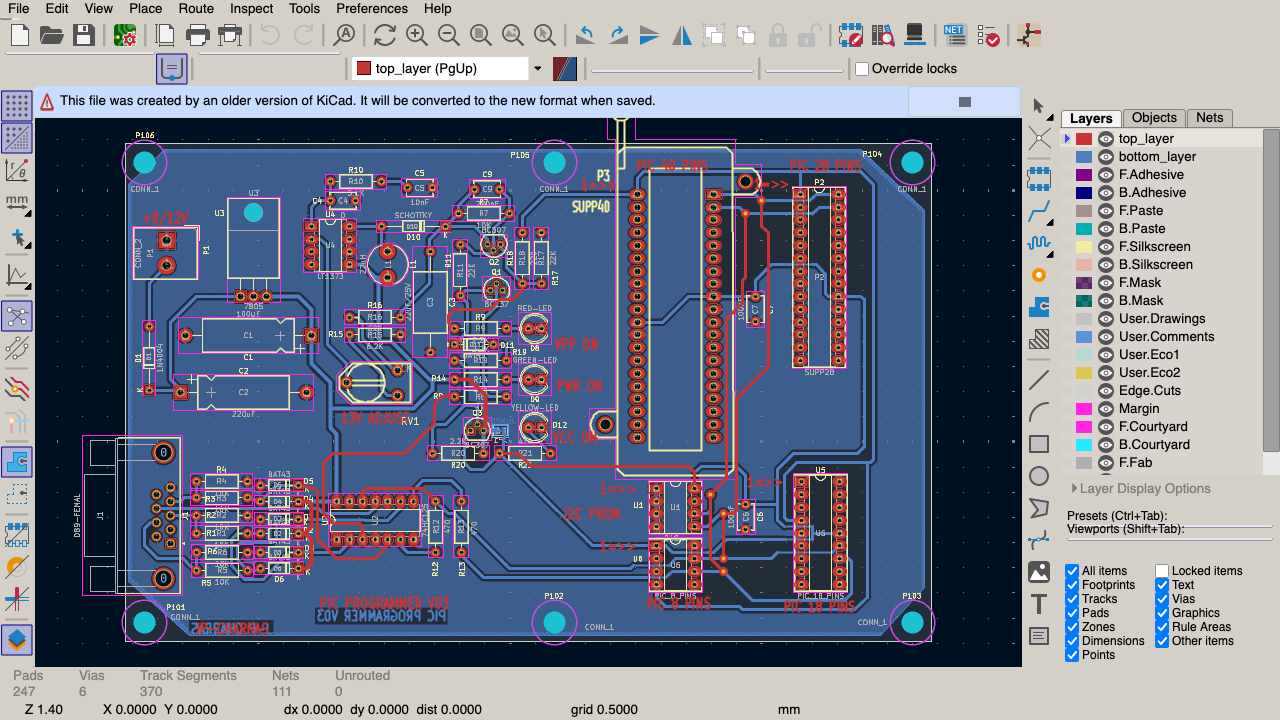
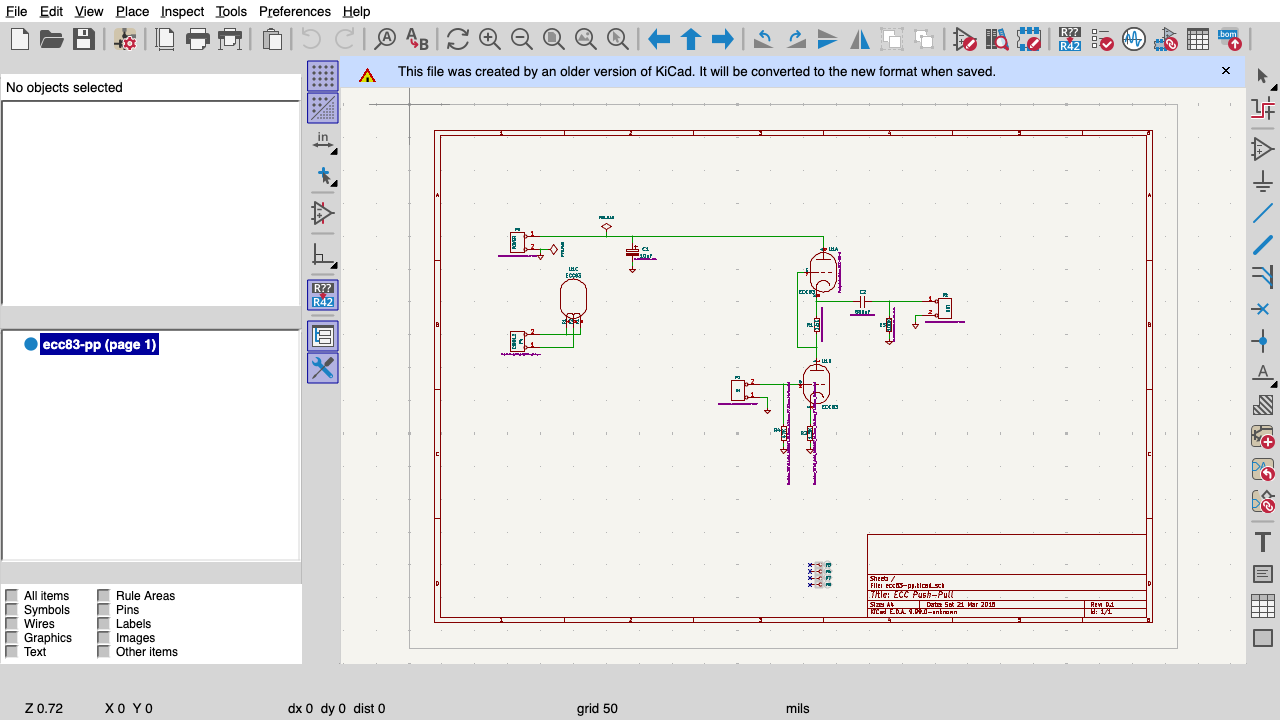
Schematic capture, PCB layout, interactive routing, DRC/ERC, 3D view — the real KiCad toolset.
Export and ship.
BOM and Gerbers straight from the browser — hand off to any fab. Your call.
This is real KiCad — the whole thing.
PCBJam isn’t a web re-implementation with a fraction of the features. It’s the genuine
KiCad engine compiled to WebAssembly, running in your tab. Schematic capture. Multi-layer
PCB layout. Design rule checks. 3D view. BOM and Gerber export. The same
.kicad_pcb you’d open on the desktop — because it is the same tool.
- Schematic capture (Eeschema)
- PCB layout (Pcbnew)
- DRC / ERC
- Interactive router
- 3D board view
- BOM export
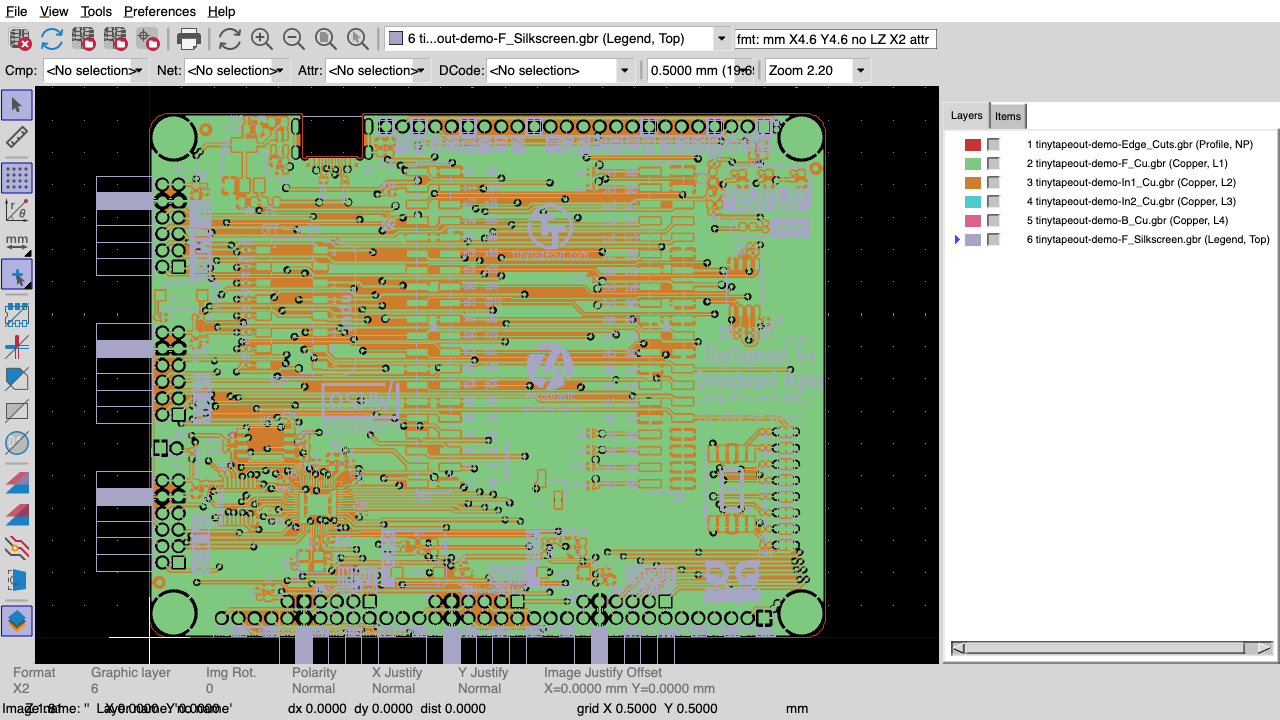
- Gerber / drill export
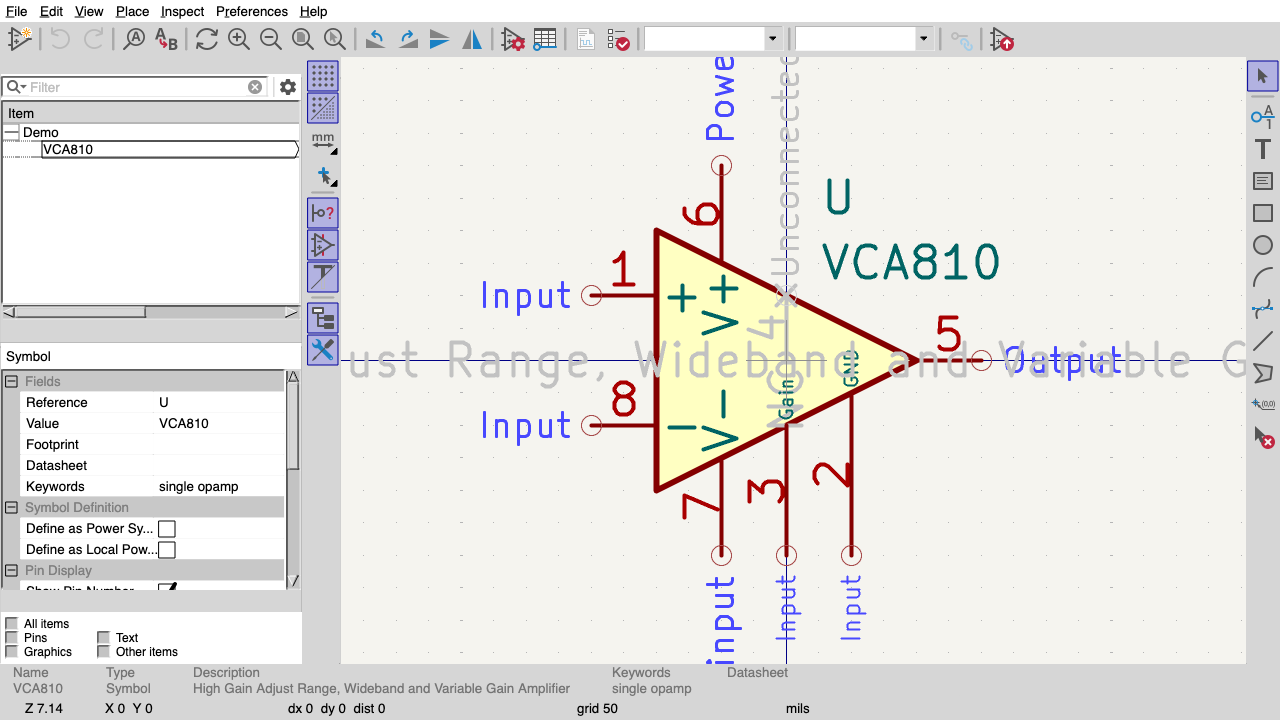
- Footprint & symbol libraries
- Net classes & constraints
- Push-and-shove routing
Design in the browser — without surrendering your files.
Cloud EDA tools trap your designs in proprietary formats and clouds you can’t leave.
PCBJam refuses the trade-off: real KiCad format in and out, and it’s
open source — the same .kicad_pcb your desktop KiCad opens,
so you can walk away with every byte whenever you want. Self-hosting and an offline PWA
are on the roadmap.
PCBJam rides KiCad — a project backed for decades by CERN, the KiCad Services Corp, and a global community. This isn’t a VC bet that vanishes when the runway ends.
Coming from EAGLE, Altium, CADSTAR, or OrCAD?
KiCad is where designs are migrating — and PCBJam opens them in a browser tab, free, with nothing to install. Bring your board. Pick up where you left off.
Join the waitlist →Everyone picks one. We do both.
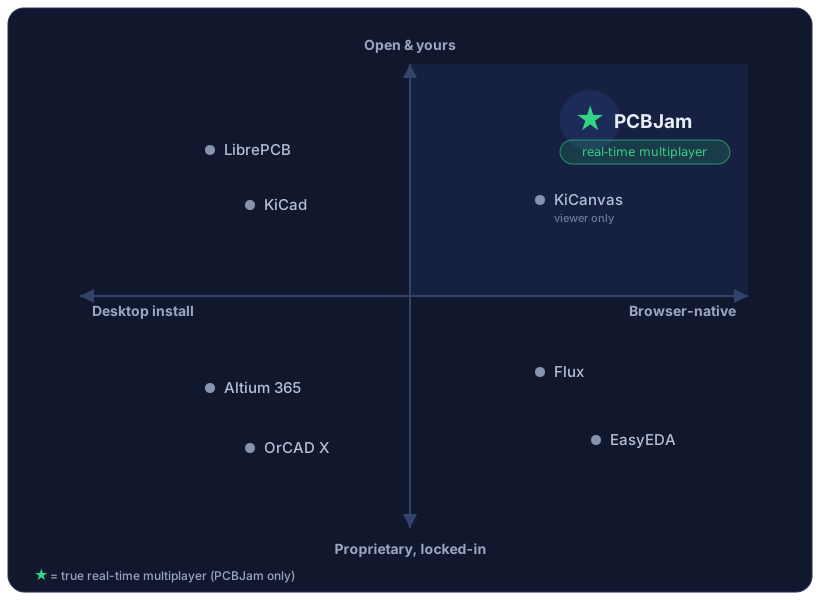
Browser-native. Open & yours. Flux and EasyEDA are browser-based but closed. KiCanvas is browser + open but a viewer. KiCad and LibrePCB are open but desktop-only. PCBJam is the only full editor that's both.
We’re Emergence Engineering. We build hard things in the browser.
PCBJam exists because we got obsessed with a genuinely hard problem: running a full, native C++ EDA suite — and real-time multiplayer — entirely in a browser, on WebAssembly. That’s the kind of work we do for a living. Emergence Engineering is a full-stack software studio (🇪🇺, remote-first) that builds WASM ports, real-time collaborative editors, AI features, and the payments and infrastructure behind them — for startups and scale-ups who need the hard parts done right.
Trusted by teams at






“They are incredibly smart, you can trust them, and they’re great to work with. I cannot recommend them highly enough.” — Greg Detre, Chief Data Scientist & CTONeed something hard built? → Talk to the team
Free to start — and the core stays open.
The editor and the open file format are free — design entirely in your browser, with your files stored locally on your own machine. When you want PCBJam’s cloud — hosted storage, sync across your devices, and shared workspaces for your team — that will be the paid part. The open core stays free, and your local files are always yours.
The full editor, free. Your files live right in your browser.
Your .kicad_pcb / .kicad_sch, open forever.
Hosted storage, cross-device sync, and shared team workspaces.
AI when you want it — opt-in, never a black box.
Everyone else leads with an “AI hardware engineer.” We lead with you and an open tool you control. AI assistance is on the roadmap as an opt-in helper — never the thing standing between you and your own board.
Be first in when multiplayer opens.
Multiplayer early access rolls out in waves. Join the waitlist and we’ll save you a seat.
Please enter a valid email address and try again.
Get early-access invites and product updates. · Privacy policy
Don’t want to wait? Try the live demo now →
- Open source
- Built on KiCad
- Built by Emergence Engineering