
Porting KiCad's Graphics to WebGL in 2026
TLDR:
I don’t know much about graphics. Back when it was still called GPGPU I did a CUDA class, but other than that I have no experience.
Then during porting KiCad I realized that I will need to run its graphics abstraction layer in the browser.
Gerber viewer in your browser
The viewer below is KiCad’s gerbview compiled to WebAssembly. Click to load it
(it streams ~22 MB on demand) and it renders a real multi-layer board:
the tiny_tapeout demo — entirely client-side.
Live demo unavailable in this browser
The in-browser viewer needs a recent desktop Chrome, Firefox, or Safari 16+ (it relies on SharedArrayBuffer + WebGL2). Here's a screenshot of what it renders.
What did not work
First I just wanted KiCad to build with a WASM target. It took a while, thankfully I’ve found https://github.com/ahilss/wxWidgets-wasm, a wxWidgets port for the web for an old version. I’ve used that port as a starting point, but it missed a lot of features. After multiple lines of find-whats-missing and a lot of e2e tests with a lot of screenshots I had a working~ish wxWidgets port, a good start.
Then it lot of corner cutting, lot of shimming things away that I wanted to work to make KiCad build. The first time the welcome dialog loaded I was happy, very happy, even though clicks did nothing.
Then when I got through that eventually KiCad loaded up. It was horribly slow.
I had two main sources of errors: Asyncify and the OpenGL -sLEGACY_GL_EMULATION that made it possible to run OpenGL apps on the web.
Asyncify is a huge error source on its own, I wanted to get rid of all OpenGL errors ( and get some speed if possible ), so I have a chance to debug them.
The errors were an infinite loop of Emulation and WebGL sprinkled with some Asyncify interplay. I had no other option.
Let’s rewrite to WebGL!
Thankfully KiCad has a Graphics Abstraction Layer ( GAL ). There’s already an alternative CPU renderer, an OpenGL one, let’s do a WebGL one then! I don’t know OpenGL but there’s Claude Code. So: the core idea was to create WebGL and native test apps that check each GAL feature, compare the screenshots to double check. For the native GAL test apps I had to pull the headers inside KiCad from my test code, it needed a few shims ( KiCad usually brings the kitchen sink too ), but in the end worked.
At first I wanted to do byte-to-byte comparison but it is not possible ( AFAIK ), the WebGL and OpenGL outputs will never be the same, but to a human eye they can look identical.
Here are two scenarios straight out of that regression suite — the same GAL calls, drawn once by native OpenGL and once by my WebGL backend:
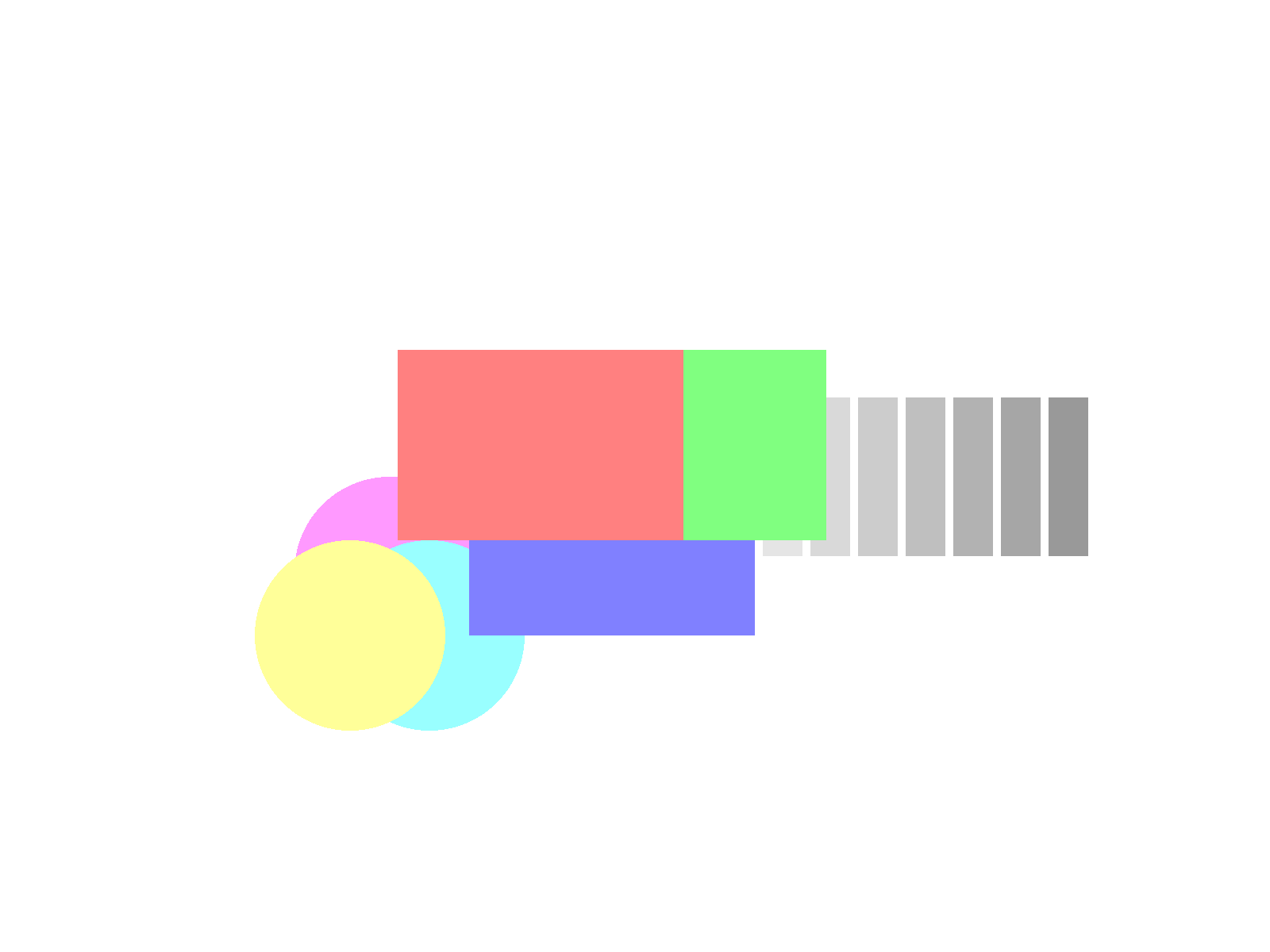
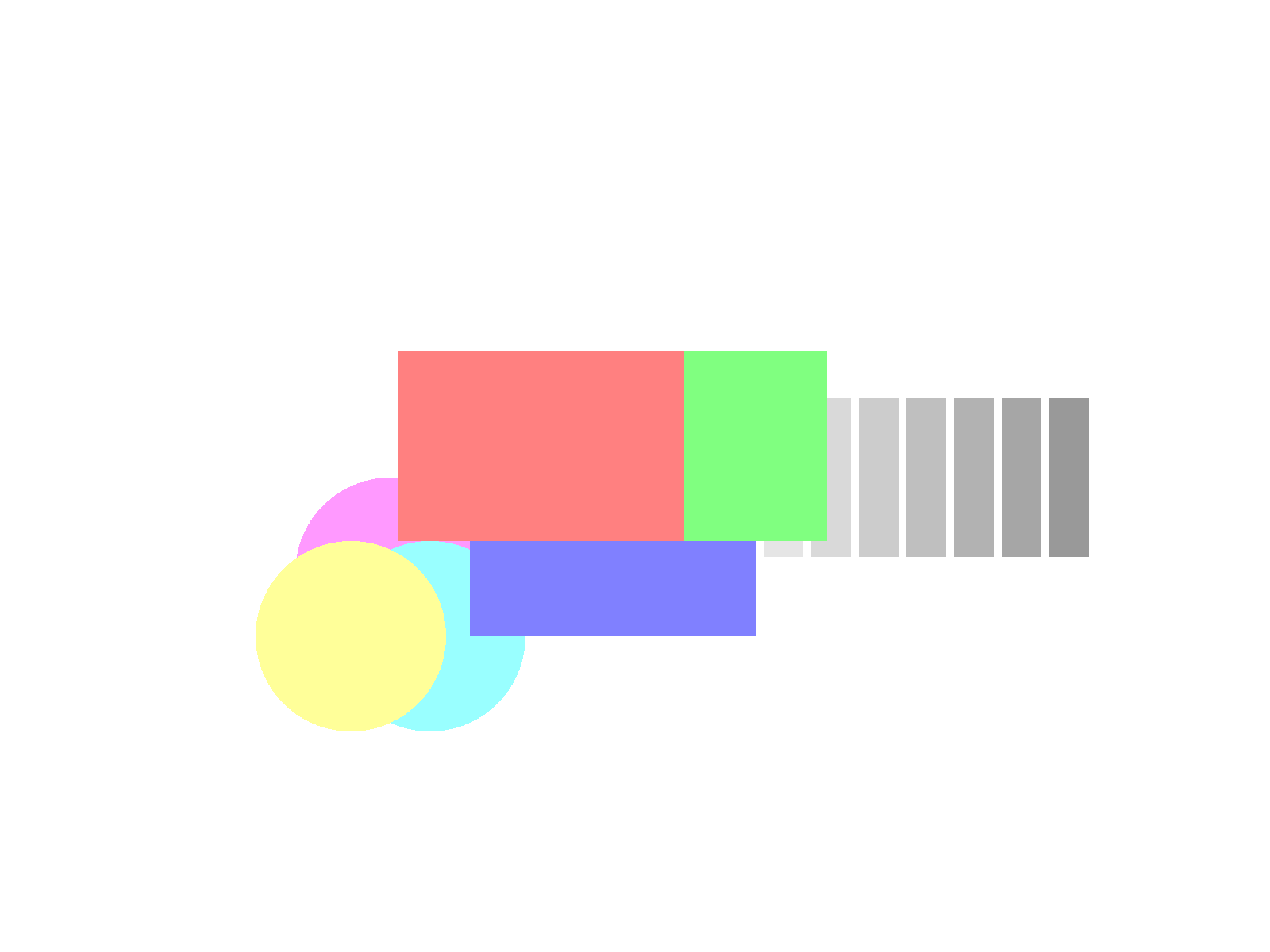
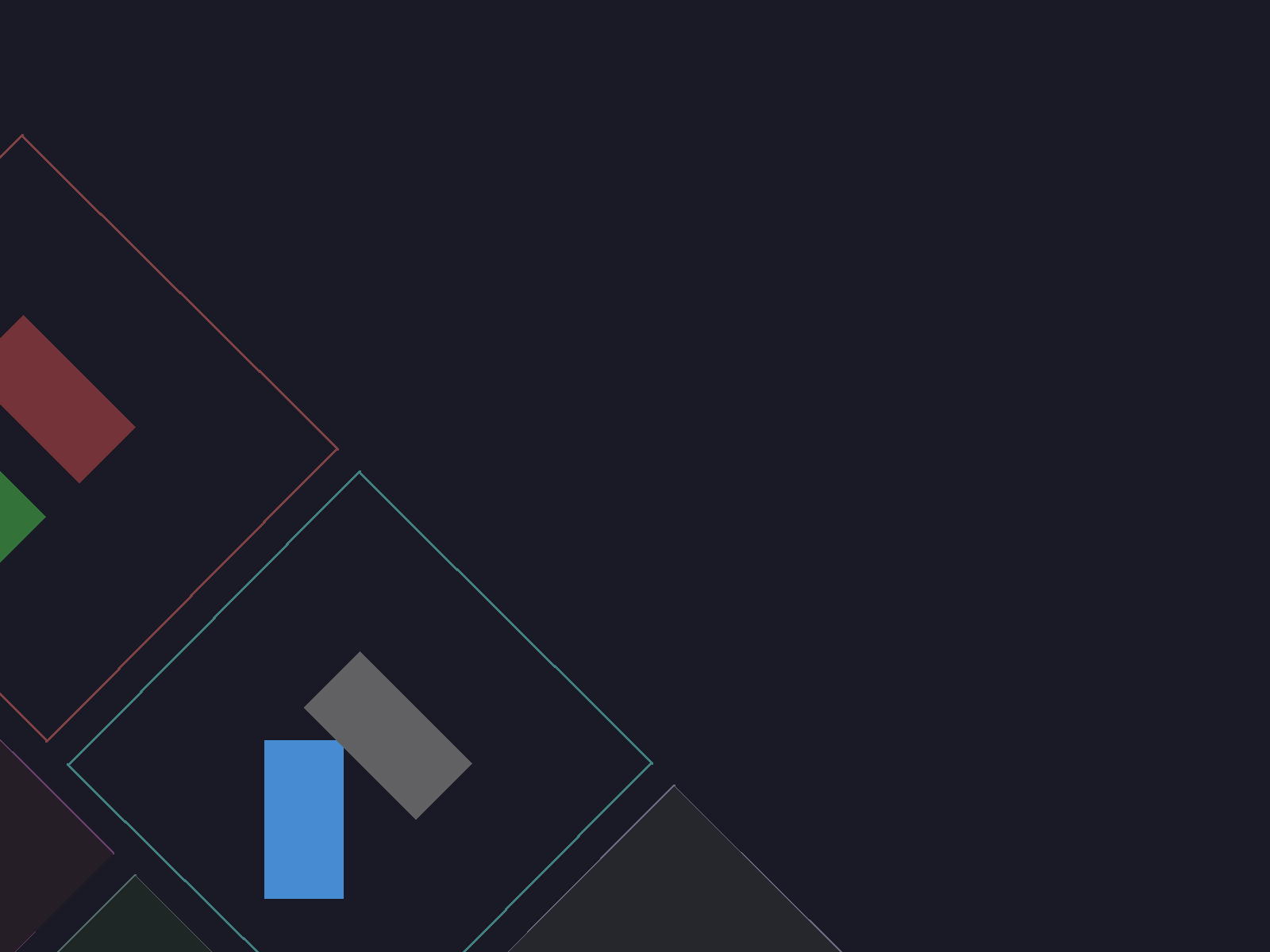
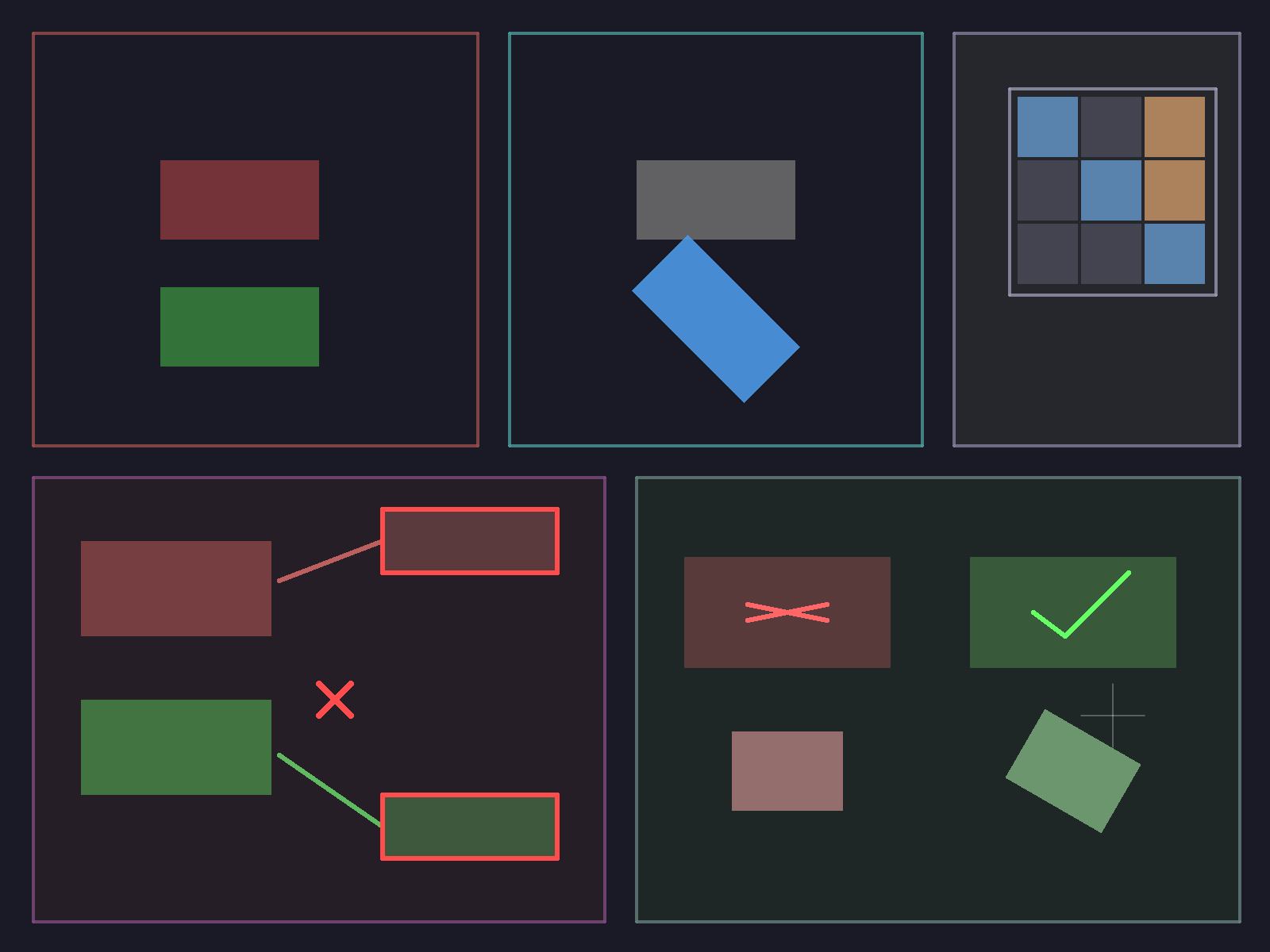
So in the end I relied on asking Claude to check the screenshots, prodding, checking again, but in the end I got two screenshots folders that looked the same. Claude back then wasn’t that good at understanding screenshots, sometimes LGTM’d totally black things, couldn’t see colors, but it was still helpful.
Moment of truth
And then I wired up my new WebGL GAL into KiCad and… It worked! And it was fast.
We want to upstream our changes eventually, I’m sure the fork needs a few changes, but it’s not in a bad position already. The shaders stayed the same ( with the help of a GLSL 1.0 -> GLSL 3.0 ES transformer Python script ), the difference between the OpenGL and this version is a few hundred lines of translation and emulation code ( for a few things you can’t do in WebGL, no raw pointers, immediate mode for ex. ). We don’t want to dump this on someone, when that time comes I will need to understand the changes deeply and clean up the rough edges.